How to enable live meeting transcription notifications in Notion
Here is how to enable live meeting transcription notifications in notion
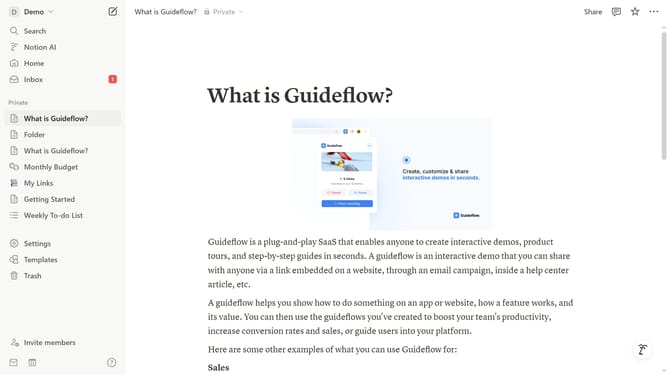
- First click on the workspace dropdown menu in the top left corner of the sidebar
- Then click on the "Settings" button in the workspace menu panel
- Next click on the "Notifications" option in the settings sidebar menu
- Finally turn on the "Join video conferencing and start transcribing" toggle option
Why should you enable live meeting transcription notifications in Notion
Notion is a versatile tool that streamlines organization and collaboration effortlessly.
Enabling live meeting transcription notifications in Notion ensures you never miss crucial updates during virtual meetings.
This feature brings real-time transcripts directly to your workspace, optimizing team communication and ensuring everyone stays on the same page.
By integrating live transcription notifications, productivity is enhanced as meetings become more accessible and inclusive for all participants.
Last update