How to add video block in Notion
Here is how to add video block in notion
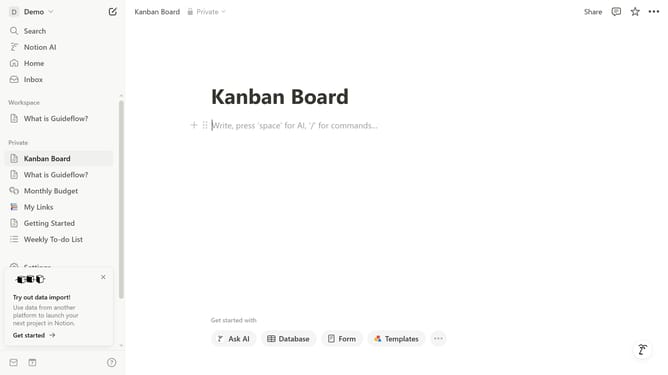
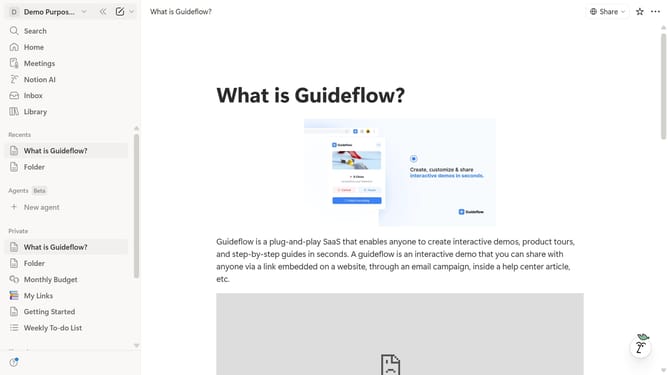
- First, from the sidebar, open the page where you want to add the video block.
- Then click on the plus icon to add a new block.
- Next, select the "Video" option from the appeared menu.
- Finally, click on the "Choose a video" button.
Why should you add video block in Notion
Notion is an all-in-one workspace designed to consolidate your work and personal life into a cohesive digital ecosystem.
Integrating video blocks into your Notion pages is a seamless way to enrich your content with multimedia depth. This feature allows you to embed videos directly into your notes, making your materials more dynamic and engaging.
Using video blocks can enhance understanding, provide visual instruction, and make content consumption effortless without leaving the Notion interface. It's a powerful way to elevate communication and learning in any project.
Last update