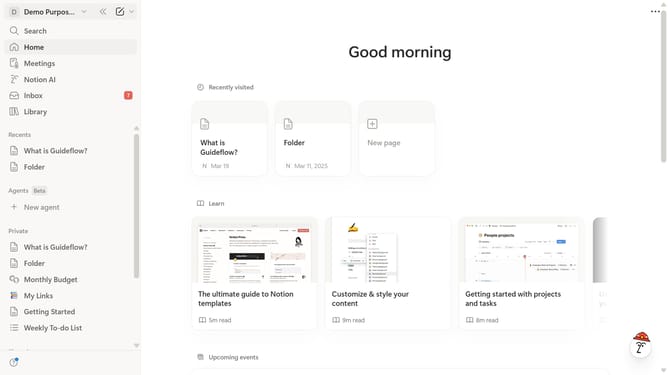
How to show other Notion apps in sidebar in Notion
Here is how to show other notion apps in sidebar in notion
- First click on the workspace dropdown button in the header to open the workspace menu
- Then click on "Settings" button in the workspace menu panel
- Next click on "General" option in the left sidebar under the Workspace section
- Finally click on the toggle button to enable "Show other Notion apps in sidebar" setting
Why should you show other Notion apps in sidebar in Notion
Notion is a versatile workspace designed to streamline your tasks, notes, and projects into a single, organized platform.
The feature of showing other Notion apps in the sidebar enhances accessibility, allowing you to seamlessly switch between different projects or databases with ease. This fosters a more unified workflow, eliminating the need to constantly navigate back and forth, which can be time-consuming and disruptive.
By using this feature, you gain a centralized view of your various Notion apps, which helps to maintain focus and efficiency. It promotes a streamlined, clutter-free workspace, saving you time and effort. This improved organization can significantly enhance productivity, enabling you to manage tasks and information more effectively.