How to enable analytics cookies in Notion
Here is how to enable analytics cookies in notion
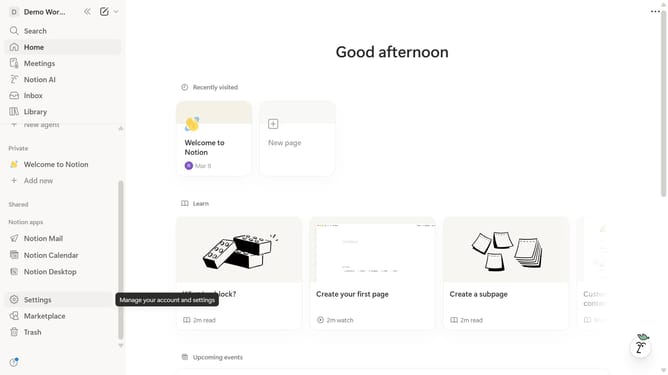
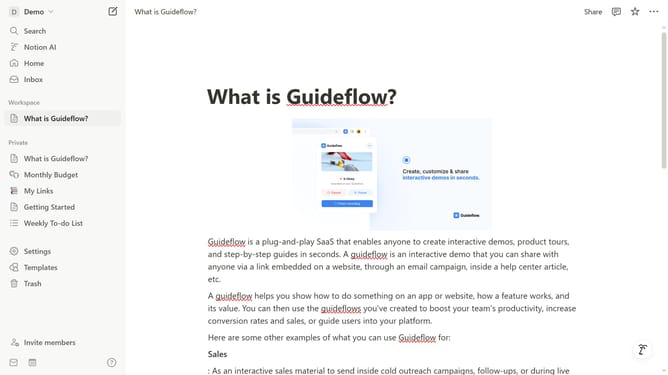
- First click on the workspace dropdown icon in the top left header
- Then click on the "Settings" button in the workspace menu
- Next click on the "Preferences" option in the settings sidebar
- Then click on the "Customize" button in the Cookie settings section
- Finally click on the "Analytics" toggle option to enable it
Why should you enable analytics cookies in Notion
Notion is an all-in-one productivity platform designed to streamline your workflow.
Enabling analytics cookies in Notion provides valuable insights into how you interact with the platform.
This feature helps optimize performance and tailor your user experience by understanding usage patterns.
By using analytics cookies, you can ensure that your Notion environment is as effective and intuitive as possible.
Last update