How to disable Product Education updates in Notion
Here is how to disable product education updates in notion
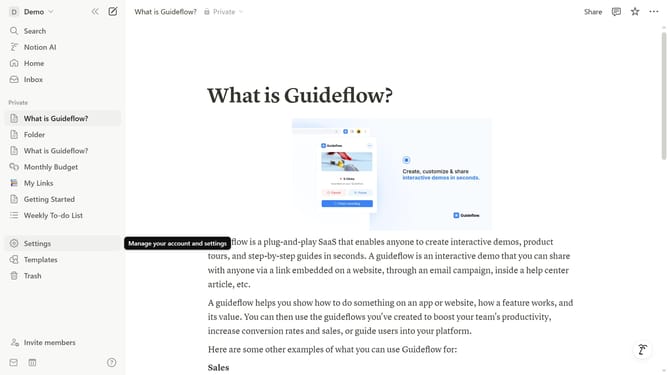
- First click on "Settings" link in the sidebar
- Then click on "Notifications" option in the settings menu
- Next click on "Manage settings" button in the email notifications section
- Then uncheck the "Product Education" checkbox under Marketing Communications topics
- Finally click on "Save Changes" button to save the updated preferences
Why should you disable Product Education updates in Notion
Notion is an all-in-one workspace designed to streamline your tasks, notes, and projects.
Disabling Product Education updates in Notion allows you to maintain focus without the distraction of learning new features. It ensures your workspace remains uncluttered, letting you concentrate on your current priorities.
This feature is beneficial for users who prefer a stable and consistent interface, minimizing interruptions and maximizing productivity. Opting out of these updates offers a tailored Notion experience, perfect for those who value focus and simplicity in their workflow.
Last update