How to do subscript in Notion
Here is how to do subscript in notion
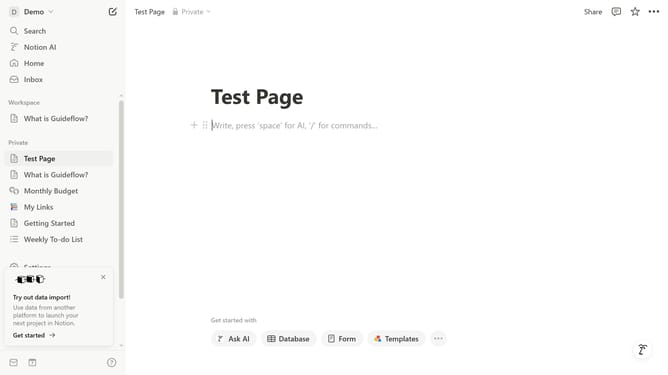
- First click on the main content area of the page
- Type "/math" command in the content area to bring up the math equation options
- From the dropdown menu, select "Inline equation" option
- Write your text using TeX Notation, use underscore (_) for subscript
- Click the "Done" button to confirm and save the equation
Why should you do subscript in Notion
Notion is a versatile platform designed for seamless collaboration and organization.
One of Notion’s valuable features is the ability to use subscript, enhancing the presentation of scientific, mathematical, or complex notations.
Incorporating subscript into your Notion workspace allows for clearer data representation, making your content more informative and visually appealing. This feature supports precise documentation, ensuring your notes and projects are both professional and easily understood.
Effortlessly elevate the clarity and professionalism of your work with Notion's intuitive subscript capability.
Last update