How to publish a Notion site
Here is how to publish a notion site
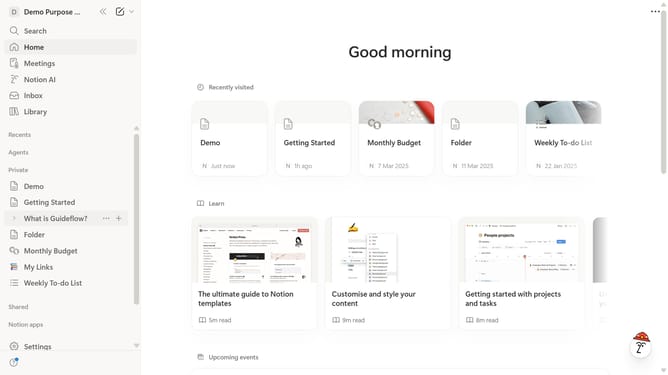
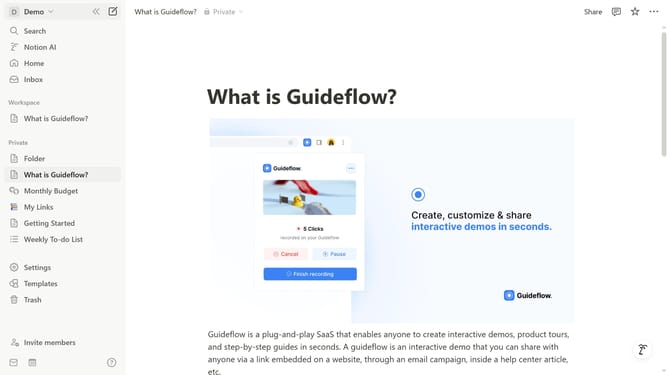
- First click on the page you want to publish in the left sidebar
- Then click on the "Share" button in the header
- After that, click on the "Publish" button in the share menu
- Finally click on the "Publish" button to publish the page to the web
Why should you publish a Notion site
Notion is your all-in-one workspace for notes, tasks, databases, and collaboration.
Publishing a Notion site allows you to seamlessly transform your workspace into a shareable website, expanding its utility beyond internal team use.
This feature empowers individuals and teams to showcase projects, create portfolios, or share resources effortlessly with the world.
By leveraging this functionality, you ensure your content is accessible, interactive, and up-to-date, fostering greater engagement and collaboration.
Last update