How to disable meeting transcription status notifications in Notion
Here is how to disable meeting transcription status notifications in notion
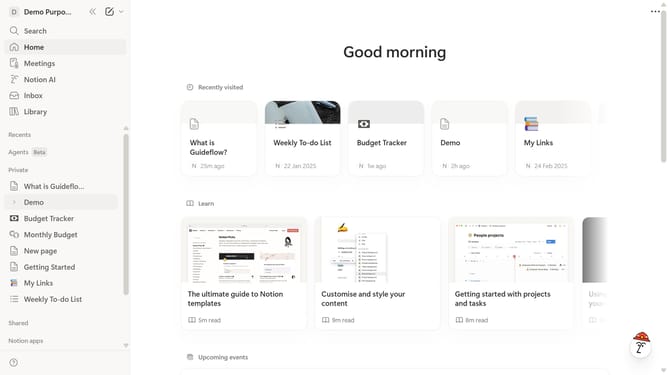
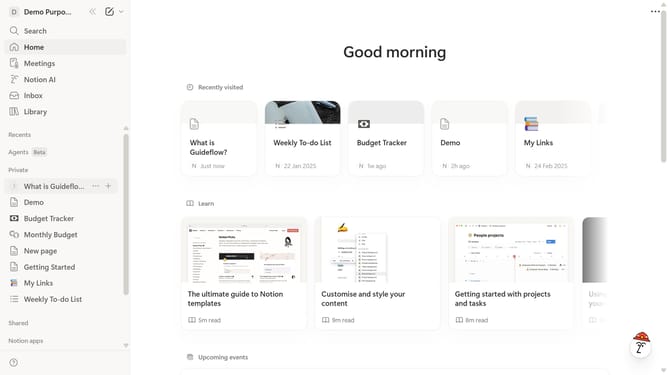
- First click on the workspace dropdown menu in the top left corner of the sidebar
- Then click on the "Settings" button in the workspace menu
- Next click on the "Notifications" option in the left sidebar menu of the settings panel
- Finally toggle off the "Meeting is being transcribed" switch in the in-app notifications section
Why should you disable meeting transcription status notifications in Notion
Notion is a versatile workspace designed to help individuals and teams stay organized and productive.
A standout feature of Notion is the ability to customize notifications, such as disabling meeting transcription status alerts. This feature is particularly beneficial to minimize distractions during important work sessions.
By turning off these notifications, users can maintain focus and increase efficiency without interruptions. This enhances the overall meeting experience by keeping attention where it’s most needed.
Last update