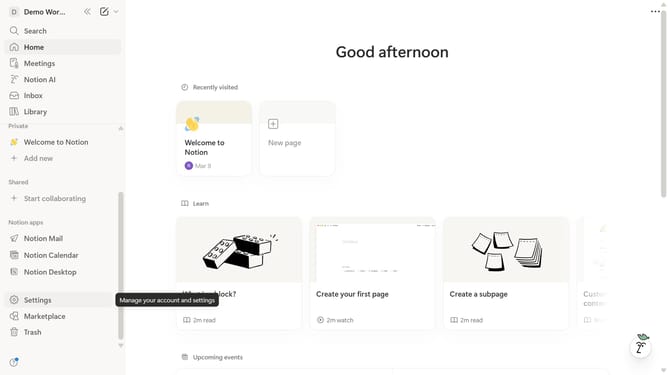
How to add dashboard view database block in Notion
Here is how to add dashboard view database block in notion
- First open the page where you want to add the dashboard view database.
- Then click on "Demo" in the left sidebar menu.
- Then click on "Dashboard view" under the "Database" in the main content area.
Why should you add dashboard view database block in Notion
Notion is an all-in-one workspace designed to consolidate your notes, tasks, wikis, and databases seamlessly.
Adding a dashboard view database block in Notion enhances your ability to track and manage information efficiently. By consolidating relevant data into a single view, it offers a clearer picture of your projects and priorities.
This feature empowers users to customize information displays, allowing for better visualization and control. It streamlines workflows, improving productivity by reducing the need to switch between multiple pages or applications.
Last update