How to add calendar to Notion
Here is how to add calendar to notion
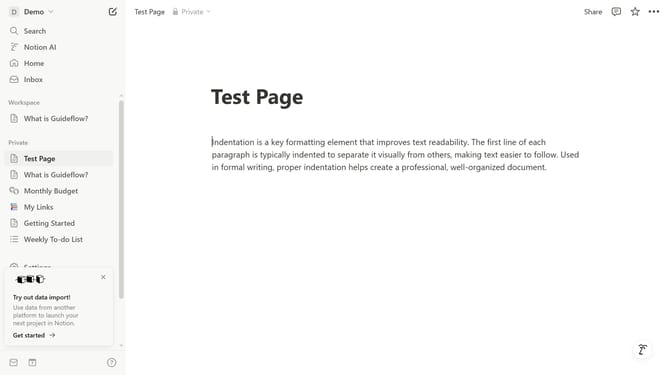
- First click in the text editor area to start typing commands
- Then type '/calendar' in the command input field
- Next click on the "Calendar view · Database" option
- Finally click on "New empty database" button in the popup menu
Why should you add calendar to Notion
Notion is an all-in-one workspace designed to organize and enhance your productivity.
Integrating a calendar into Notion elevates your organizational capabilities by offering a seamless visual overview of your schedule.
Adding a calendar ensures you can effortlessly track tasks, appointments, and goals in one intuitive platform.
This feature streamlines time management, promoting efficiency and focus on what truly matters, optimizing your workflow for tangible results.
Last update