How to add emoji block in Notion
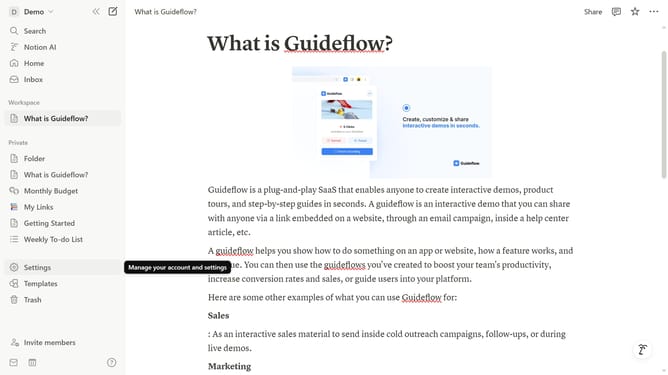
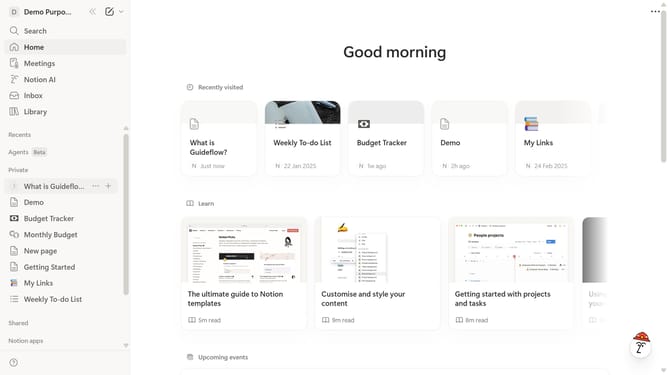
Here is how to add emoji block in notion
- First click the page that you want to edit
- Then click on the "+" icon to add a new block
- Next, select "Emoji" from the list
- Finally, choose your desired emoji from the list
Why should you add emoji block in Notion
Notion is a versatile tool designed to streamline your workspace by organizing tasks, notes, and projects intuitively.
The emoji block feature in Notion adds a touch of personalization and visual appeal to your pages. By incorporating emojis, you can convey emotions, highlight important sections, and make your content more engaging.
Emojis can enhance the readability of information and make navigating through Notion pages more intuitive. They offer a playful way to categorize and emphasize content, improving the overall user experience.
Last update