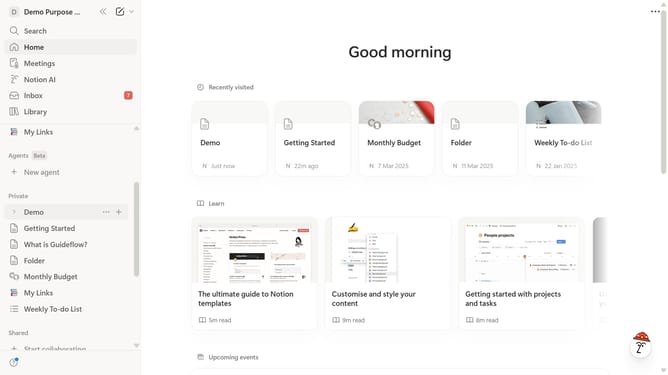
How to turn on header column in a table in Notion
Here is how to turn on header column in a table in notion
- First open the Notion page containing the table you want to edit.
- Then click the six-dot handle icon next to the column header to open more options.
- Finally click on the toggle switch for "Header column" to enable it.
Why should you turn on header column in a table in Notion
Notion is an all-in-one workspace designed to streamline productivity by integrating notes, tasks, databases, and collaboration.
Activating a header column in a Notion table adds a structural enhancement that aids in organizing and segmenting data more efficiently.
This feature not only helps in maintaining a clean visual hierarchy but also ensures quick reference, allowing you and your team to comprehend complex datasets at a glance.
Utilizing header columns significantly boosts navigation and clarity, making your workflow smoother and more intuitive.
Last update