How to add table of contents block in Notion
Here is how to add table of contents block in notion
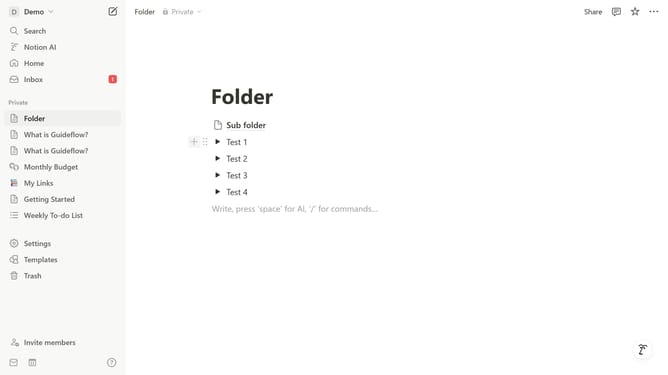
- First open the page where you want to add the table of contents block.
- Then click on the '+' button to add a new element.
- Finally select 'Table of contents' from the menu..
Why should you add table of contents block in Notion
Notion, a dynamic workspace, empowers users to seamlessly organize, plan, and collaborate.
Integrating a Table of Contents block in Notion provides structure and accessibility to your documents. This feature automatically tracks and displays headings within your pages, enhancing navigation and readability.
By incorporating a Table of Contents, you allow readers to effortlessly jump between sections, improving user experience, especially in lengthy documents.
This streamlined organization saves time and boosts productivity, making content easier to digest and manage.
Last update