How to disable Newsletters and Thought Leadership updates in Notion
Here is how to disable newsletters and thought leadership updates in notion
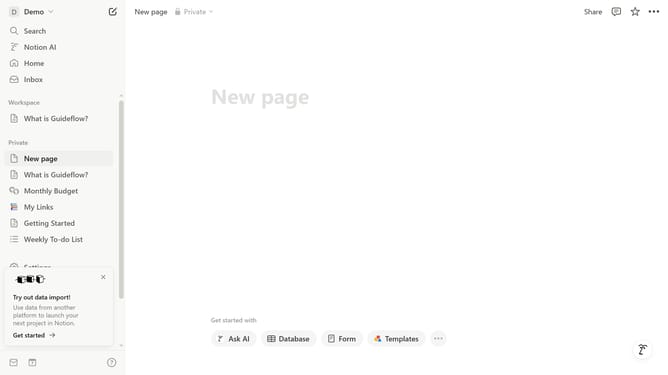
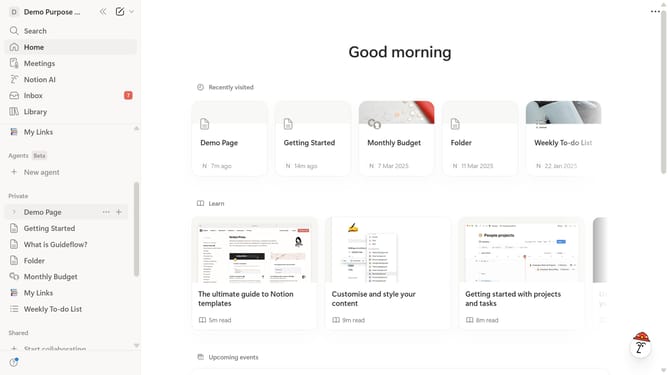
- First click on "Settings" in the sidebar
- Then click on "Notifications" in the settings menu
- Next click on "Manage settings" button in the notifications section
- Then uncheck "Newsletters and Thought Leadership" checkbox in the Marketing Communications section
- Finally click on "Save Changes" button to confirm the preferences
Why should you disable Newsletters and Thought Leadership updates in Notion
Notion is a versatile workspace designed to streamline your organization and productivity.
Removing newsletters and Thought Leadership updates in Notion allows for a distraction-free environment. This feature is beneficial as it caters to users looking to maintain focus and avoid information overload, keeping their workspace clean and minimal.
By customizing the notifications you receive, you can tailor your Notion experience to fit your unique workflow. This ensures that you're fully engaged and efficient, focusing only on content that truly matters.
Last update