How to change date format in Notion
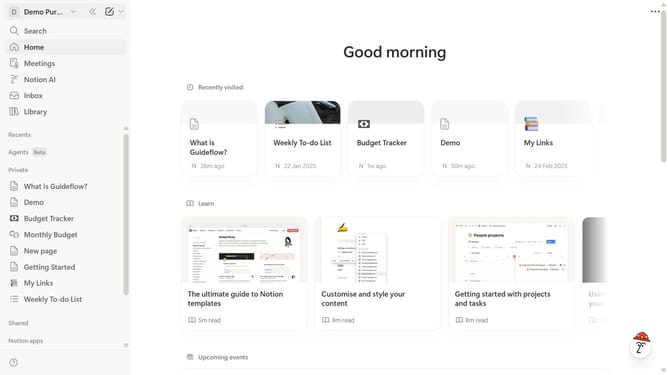
Here is how to change date format in notion
- First click on the workspace menu icon in the top header
- Then click on the "Settings" button in the workspace dropdown menu
- Next click on the "Preferences" option in the settings sidebar
- Then click on the "Date format" dropdown in the language and time section
- Finally select your preferred option from the date format dropdown menu
Why should you change date format in Notion
Notion is a powerful all-in-one workspace designed to help you organize your life and work seamlessly.
Customizing the date format in Notion is a practical feature that enhances user flexibility and clarity.
With personalized date formats, you can align your Notion workspace to regional preferences, ensuring consistency in logging and tracking information.
This small adjustment contributes to a more intuitive experience, making it easier to communicate and manage timelines effectively with your team or personal projects.
Last update