How to view your published Notion site
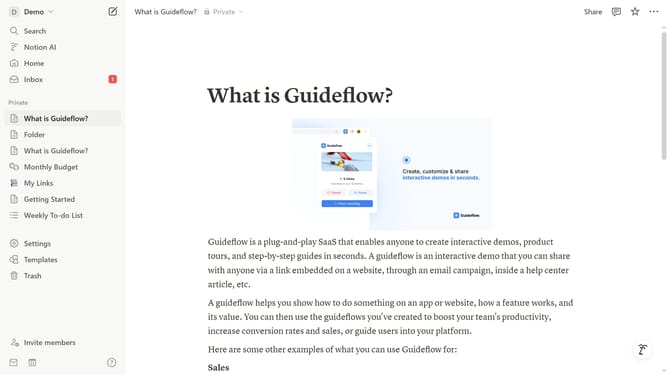
Here is how to view your published notion site
- First click on the dropdown arrow next to your workspace name in the top header
- Then click on "Settings" in the workspace menu
- Next click on "Public pages" in the left sidebar
- Then click on the "Notion Sites" section in the "Public pages" area
- Click on the ellipsis "..." button next to the published page
- Finally select "View" from the dropdown menu
Why should you view your published Notion site
Notion, an all-in-one workspace, transforms chaos into clarity by centralizing tasks, documents, and collaboration.
Viewing your published Notion site is designed for simplicity, making your information accessible to anyone with the link. This feature enhances the sharing of your work, ideas, or resources, providing a seamless viewer experience.
By utilizing this, you effortlessly showcase your projects or insights, fostering broader engagement. This eliminates barriers and brings a user-friendly touch to content sharing.
Last update