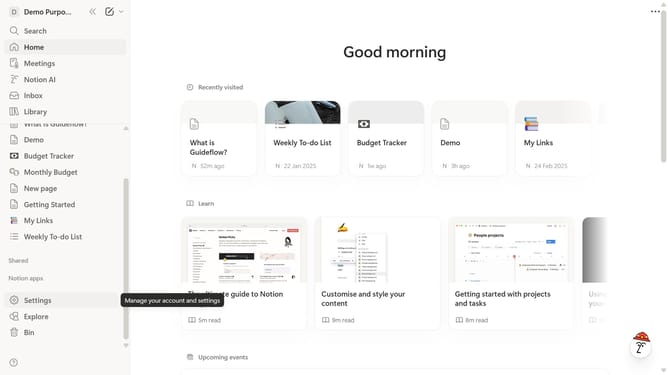
How to add heading 3 block in Notion
Here is how to add heading 3 block in notion
- First, in the sidebar, click the page that you want to add a heading block to.
- Then, click on the "+" icon to add a new block.
- Finally, select "H3 Heading 3" from the block type menu.
Why should you add heading 3 block in Notion
Notion is a versatile all-in-one workspace designed to streamline your workflow.
Adding a Heading 3 block in Notion enhances content organization by creating clear hierarchies within your notes or documents.
This feature is particularly useful for breaking down information into digestible sections, making complex ideas easier to navigate.
By using Heading 3 blocks, you can improve readability and ensure important points stand out, contributing to efficient knowledge management and communication.
Last update