How to show view history in Notion
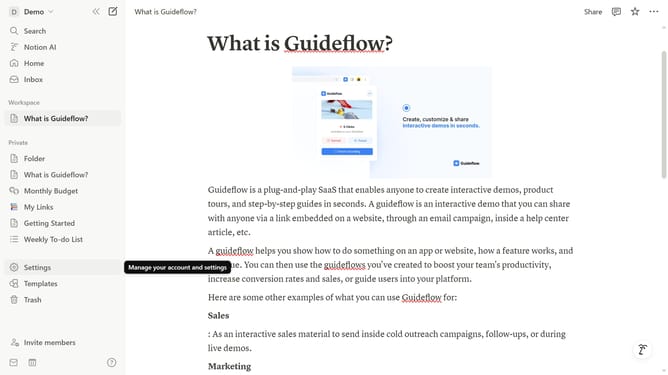
Here is how to show view history in notion
- First click on the workspace icon button in the top header to open the workspace menu
- Then click on "Settings" button in the workspace menu panel
- Next click on "Preferences" option in the settings navigation panel on the left sidebar
- Finally enable the toggle switch for "Show my view history" setting in the privacy section
Why should you show view history in Notion
Notion is a versatile workspace that organizes your thoughts, projects, and plans effortlessly.
One of its standout features is the view history option, allowing users to keep track of how their pages morph over time.
This feature provides invaluable insights into what changes were made and when, fostering transparency and a greater understanding of your project’s progression.
Furthermore, it aids in collaboration, enabling team members to see the evolution of ideas and contributions in one consolidated view.
Last update