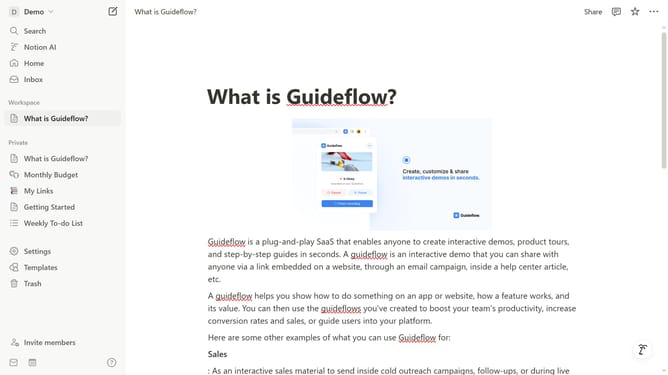
How to enable Newsletters and Thought Leadership updates in Notion
Here is how to enable newsletters and thought leadership updates in notion
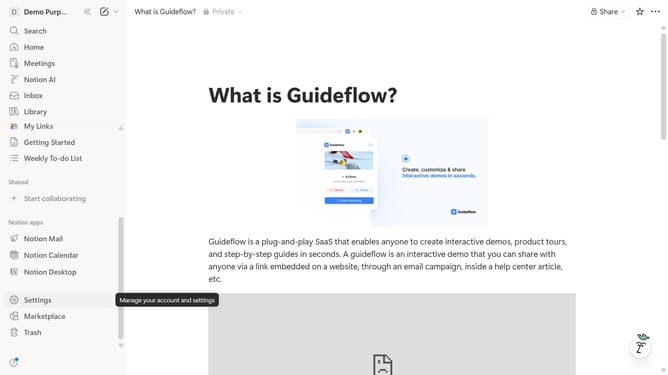
- First click on "Settings" item in the sidebar
- Then click on "Notifications" option in the Account settings menu
- Next click on "Manage settings" button in the Email notifications section
- Then click on "Newsletters and Thought Leadership" checkbox to enable it
- Finally click on "Save Changes" button
Why should you enable Newsletters and Thought Leadership updates in Notion
Notion is a versatile tool designed to streamline your organization and productivity.
By enabling Newsletters and Thought Leadership updates, you unlock a key feature for staying informed with insightful content that enhances professional growth.
This feature also provides easy access to a curated selection of expert opinions and industry trends, enriching your knowledge base effortlessly. Enjoy the convenience of staying updated without sifting through multiple sources.
Last update