How to add AI meeting notes block in Notion
Here is how to add ai meeting notes block in notion
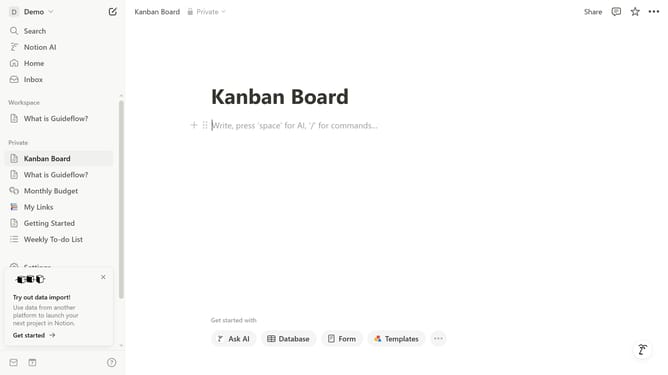
- First open the page where you want to add the AI meeting notes block
- Then click on the "+" icon in the main content area
- Finally select "AI meeting notes" item from the dropdown menu in the main content area
Why should you add AI meeting notes block in Notion
Notion is a versatile workspace designed to streamline your organization and productivity.
Adding an AI meeting notes block in Notion enhances how you capture and manage meeting information. This feature automatically structures key points, decisions, and action items, ensuring nothing important is missed.
Utilizing AI meeting notes saves time and fosters collaboration, allowing teams to focus on discussions rather than documentation. It optimizes follow-up efficiency by providing clear, concise summaries easily accessible to all team members.
Last update