How to disable page update email notifications in Notion
Here is how to disable page update email notifications in notion
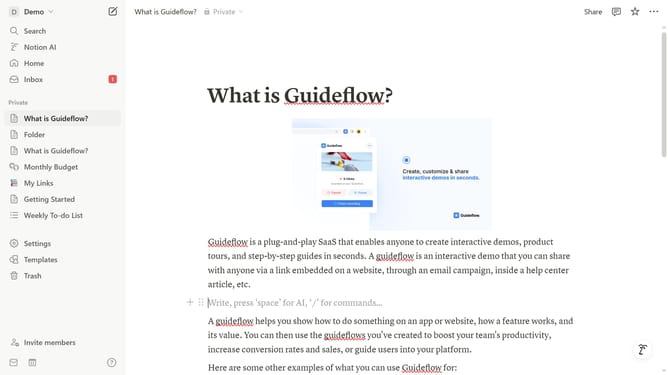
- First click on the "Demo" dropdown menu in the top left corner of the header
- Then click on "Settings" button in the workspace menu panel
- Next click on "Notifications" option in the left sidebar of the settings modal
- Finally turn on the toggle button next to "Page updates" in the email notifications section
Why should you disable page update email notifications in Notion
Notion is an innovative tool designed to streamline thoughts, tasks, and projects in one unified workspace.
A beneficial feature within Notion is the ability to manage email notifications for page updates, allowing users to disable them as desired.
Turning off these notifications can help reduce digital clutter and enhance focus, enabling a more serene and distraction-free workflow.
This feature is invaluable for maintaining a seamless environment, especially when managing several collaborative projects simultaneously, fostering a more productive work setting.
Last update