How to add a table in Notion
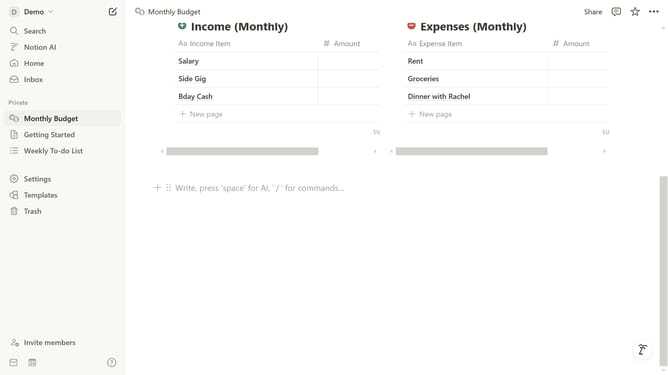
Here is how to add a table in notion
- First, in the left sidebar, click on the page where you want to add a table.
- Next, in the main content area, click on the "+" icon to add new content.
- Then, from the dropdown menu, select the "Table" option to insert a table.
Why should you add a table in Notion
Notion is a versatile workspace designed to help you organize and streamline your digital life.
The ability to add a table in Notion enhances data organization by providing a structured way to visualize information.
This feature allows users to effortlessly sort, filter, and categorize data, making it indispensable for managing projects, tracking progress, or maintaining databases.
Its simplicity combined with powerful customization options makes it a valuable tool for both personal and professional use, ensuring efficiency with ease.
Last update