How to enable people directory in Notion
Here is how to enable people directory in notion
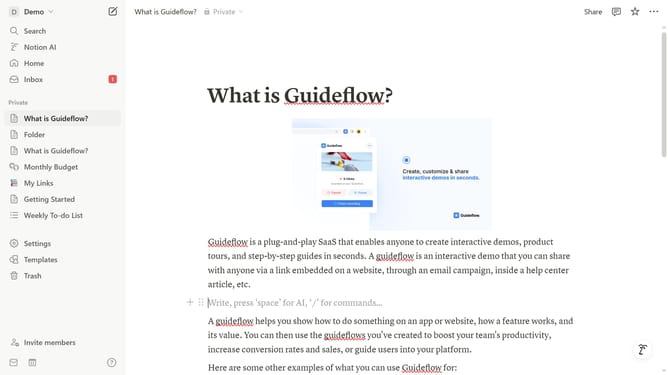
- First click on the workspace switcher button in the top-left corner of the header
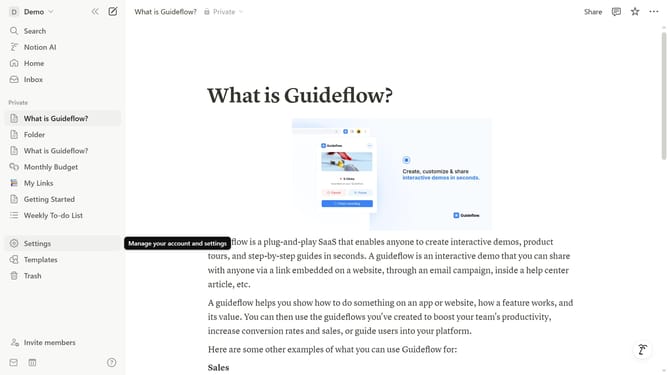
- Then click on the "Settings" button in the workspace menu
- Next click on the "General" option in the workspace settings sidebar
- Finally toggle on the "People directory" switch in the People section
Why should you enable people directory in Notion
Notion is a versatile tool designed to streamline your productivity and collaboration needs.
Enabling the people directory in Notion enhances your workspace by providing an organized view of your team's members.
With this feature, you can easily access information about each member, fostering improved communication and collaboration opportunities.
Using the people directory can significantly enhance project management efficiency, as it allows for quick reference and understanding of team roles and responsibilities.
Last update