How to disconnect Zoom integration in Notion
Here is how to disconnect zoom integration in notion
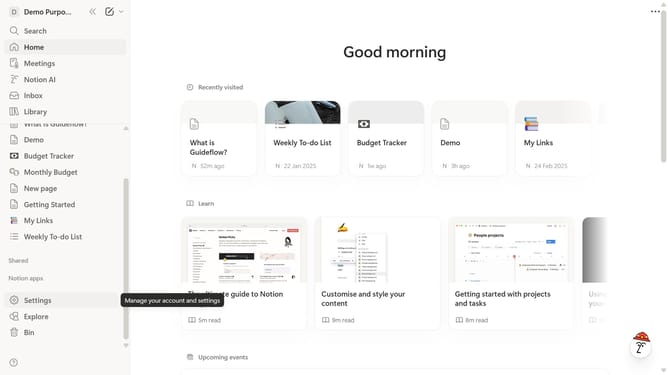
- First click on "Settings" button in the sidebar
- Then click on "Connections" option in the Account section of the settings panel
- Next click on the three dots menu button next to the Zoom connection access settings
- Then click on "Disconnect account" option from the dropdown menu
- Finally click on "Yes" button in the confirmation dialog to revoke access
Why should you disconnect Zoom integration in Notion
Notion is a powerful, all-in-one workspace designed to simplify collaboration and organization.
Disconnecting Zoom integration in Notion can streamline your workspace, reducing distractions and enhancing focus.
This feature offers control over connected applications, ensuring only necessary tools are linked, ultimately boosting productivity.
By customizing integrations, you can create a cleaner, more efficient digital environment, ideal for fostering creativity and clarity in your projects.
Last update