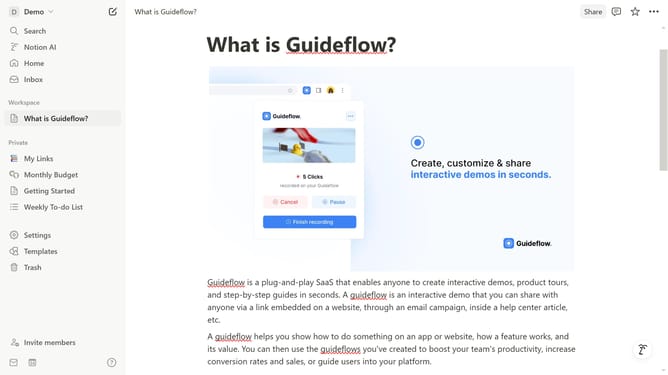
How to add image block in Notion
Here is how to add image block in notion
- First open the page where you want to add the image block.
- Then, click on the "+" icon to add a new block.
- Next, select "Image" from the block options in the main content area.
- Finally, click on the "Upload file" button to upload your desired image.
Why should you add image block in Notion
Notion is a versatile workspace designed to provide a unified platform for note-taking, task management, and much more.
Adding an image block in Notion is a simple feature that enhances the visual appeal of your documents.
By including images, you can break up text, making your content more engaging and easier to digest.
This feature not only aids in storytelling but also supports diverse learning styles by offering visual cues to emphasize key points.
Last update