How to delete a table in Notion
Here is how to delete a table in notion
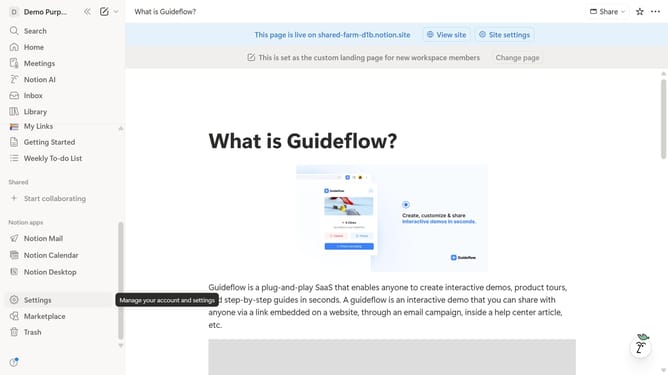
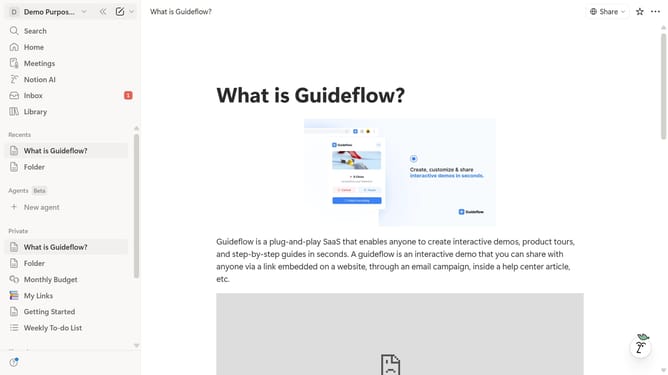
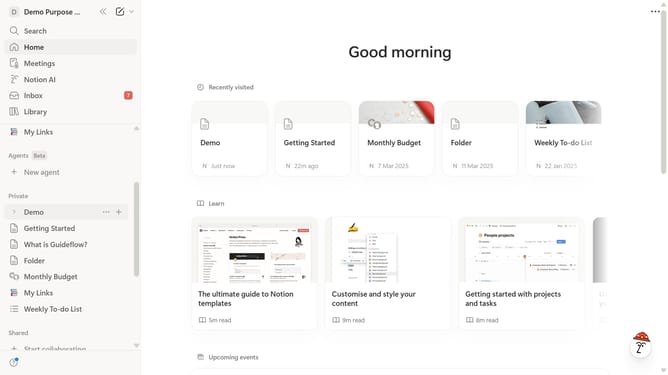
- First, in the left sidebar, click on the page where you want to delete a table.
- Then click on the three dots icon to open the options menu.
- Finally, select the "Delete" option from the dropdown menu.
Why should you delete a table in Notion
Notion is a versatile workspace designed to streamline organization and collaboration.
Deleting a table in Notion is straightforward and contributes to maintaining a clutter-free workspace.
This feature is instrumental in ensuring your Notion pages remain relevant and up-to-date by allowing the removal of outdated or unnecessary data swiftly.
Efficiently managing your tables aids in optimizing productivity and enhancing focus by keeping your digital space tidy and aligned with your current tasks and projects.
Last update