How to copy the link to your live Notion site
Here is how to copy the link to your live notion site
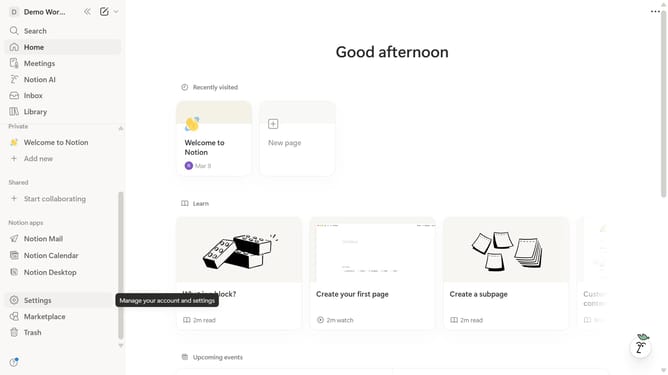
- First click on "Settings" item in the left sidebar
- Then click on "Public pages" item in the left sidebar
- Next click on "Notion sites" in the main panel
- Finally click on the link under the "Domain" column to copy the link of your live Notion site
Why should you copy the link to your live Notion site
Notion is a versatile workspace designed to streamline your productivity and organization.
An exciting feature of Notion is the ability to copy the link to your live site with ease.
This feature allows seamless sharing of your work with collaborators and audiences, enabling instant access to your information.
By employing this feature, sharing becomes efficient, enhancing collaborative processes and providing smoother dissemination of content.
Last update