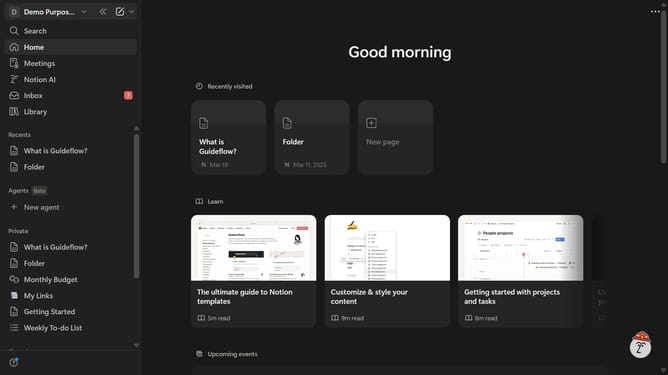
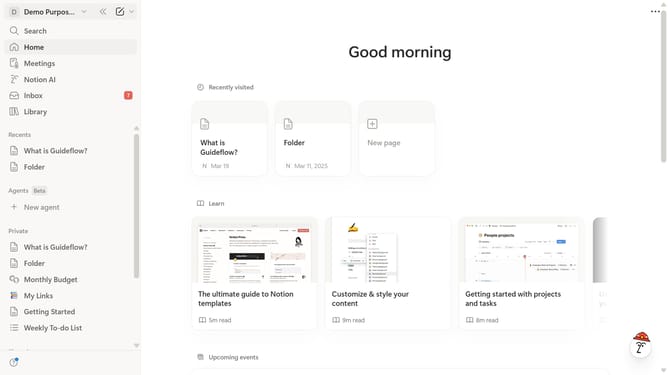
How to enable meeting summary notifications in Notion
Here is how to enable meeting summary notifications in notion
- First click on the workspace dropdown menu in the sidebar header
- Then click on "Settings" button in the workspace menu
- Next click on "Notifications" option in the settings sidebar
- Finally click on the toggle switch for "Meeting is being summarized" to turn it on
Why should you enable meeting summary notifications in Notion
Notion is a versatile productivity tool that helps teams organize work and ideas in one seamless platform.
Enabling meeting summary notifications in Notion is a powerful feature that keeps your team informed and aligned without missing any important details.
This handy feature ensures you stay updated through concise notifications, which can enhance your team's efficiency and collaboration.
Meeting summary notifications in Notion are beneficial as they help reinforce key points and action items, saving time and ensuring clarity across your projects.
Last update