How to disable Special Offers and Promotions updates in Notion
Here is how to disable special offers and promotions updates in notion
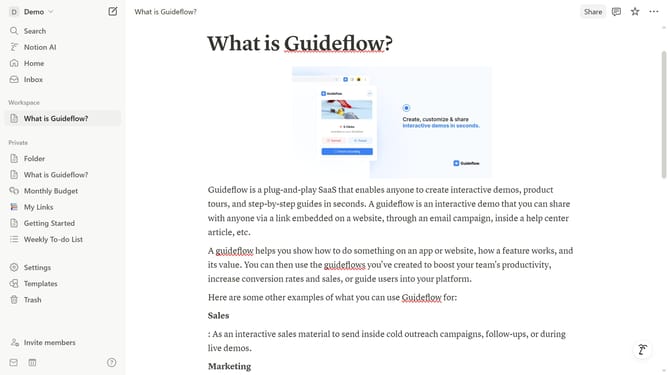
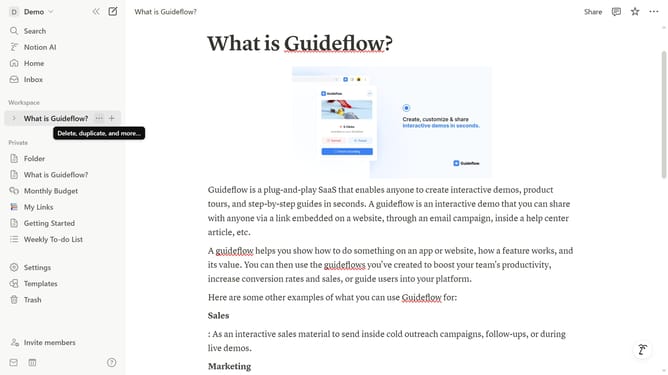
- First click on "Settings" link in the sidebar
- Then click on "Notifications" option in the settings menu
- Next click on "Manage settings" button in the email notifications section
- Then click on "Special Offers and Promotions" checkbox to uncheck it
- Finally click on "Save Changes" button to confirm the changes
Why should you disable Special Offers and Promotions updates in Notion
Notion is an all-in-one workspace designed to streamline your life by organizing all your tasks, notes, and projects efficiently.
Among its many features, the option to disable Special Offers and Promotions updates can be immensely beneficial for users seeking a distraction-free environment.
By turning off these notifications, you can focus more on your projects and less on promotional content, enhancing your productivity and concentration.
Enjoy a cleaner interface that respects your time and keeps your workflow uninterrupted, making Notion an even more effective tool for your needs.
Last update