How to make a Notion template
Here is how to make a notion template
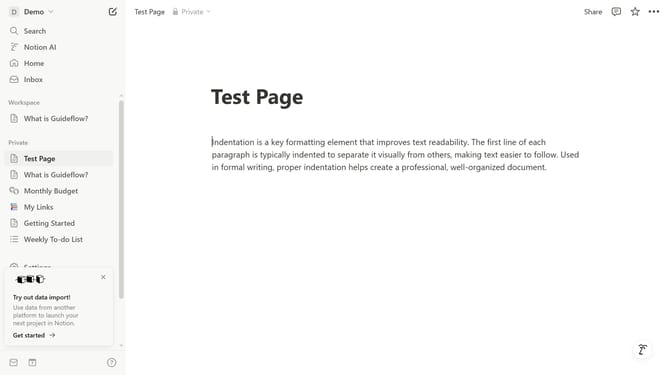
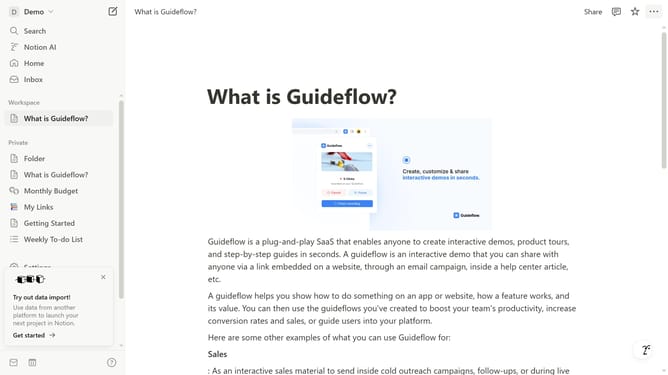
- First click on the "Share" button in the top navigation bar
- Then click on the "Publish" tab in the sharing menu
- Next click on the blue "Publish" button in the publish to web section
- Finally click on the "Copy link" icon and share this template with anyone by copying the newly generated link
Why should you make a Notion template
Notion is a versatile productivity tool designed to streamline your life's workflows.
Creating a Notion template lets you customize a repeatable format that can be used for various tasks and projects. This feature empowers users to design their own structured layouts equipped with different elements like tables, calendars, and notes, tailoring them to specific needs.
Using Notion templates improves efficiency, promotes consistency, and saves time by eliminating the need to recreate your preferred setup from scratch for each new project. The ability to craft personal templates elevates productivity and enhances organization effortlessly.
Last update