How to export Notion
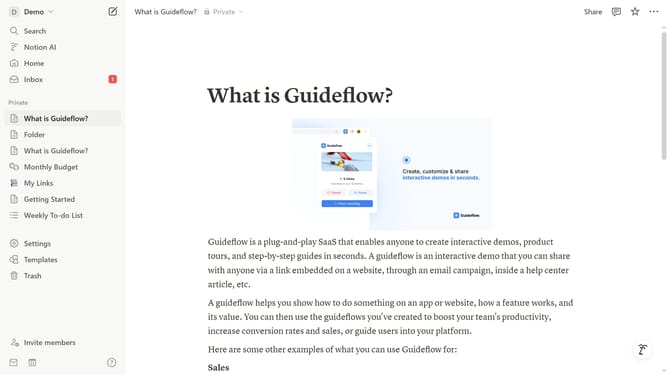
Here is how to export notion
- First click on the "Settings" option in the left sidebar menu
- Then click on the "General" tab in the settings sidebar menu
- Next click on the "Export all workspace content" button in the main settings panel
- Finally click the "Export" button in the export options popup dialog
Why should you export Notion
Notion is a versatile workspace that integrates all your notes, tasks, and projects.
Exporting features in Notion enhance your data management by allowing easy transfer of content to other platforms.
Thanks to this feature, you gain flexibility and control, whether for backup, sharing with team members, or transitioning to different tools.
Embrace seamless exports in Notion to maintain productivity and ensure data accessibility across various workflows.
Last update