How to change workspace name in Notion
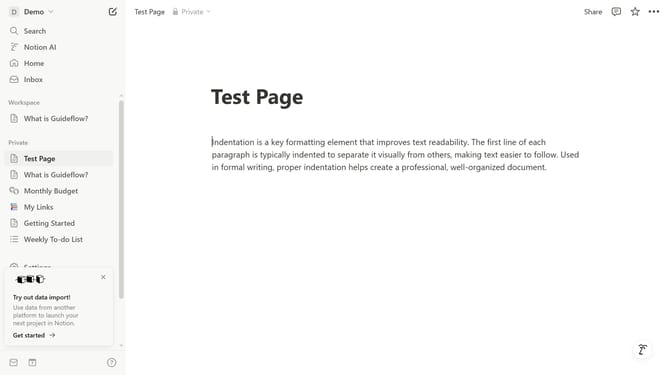
Here is how to change workspace name in notion
- First click on the workspace switcher dropdown in the top left sidebar header
- Then click on the "Settings" button in the workspace menu
- Next click on the "General" option in the workspace settings sidebar
- Then click on the "Workspace name" input field and type enter your new workspace name
- Finally click on the "Save" button to confirm the workspace name change
Why should you change workspace name in Notion
Notion is a versatile tool designed to streamline your productivity by organizing your tasks and projects in one flexible workspace.
Renaming your workspace in Notion is an easy way to personalize and reflect the evolving nature of your projects or business.
It helps in maintaining a cohesive brand identity, ensuring that everyone in your team aligns with the workspace's purpose efficiently.
Moreover, a well-named workspace enhances clarity and sets the right tone, fostering more effective collaboration.
Last update