How to log out of Notion
Here is how to log out of notion
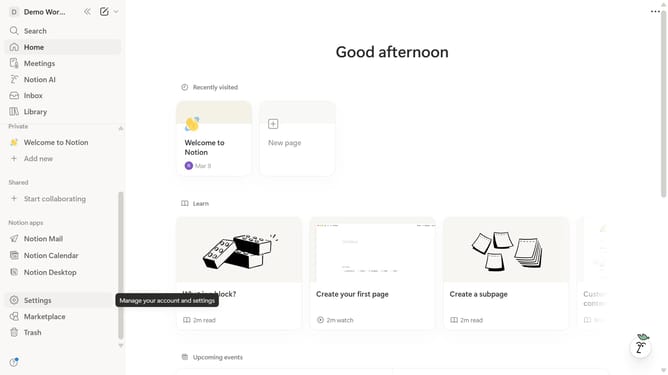
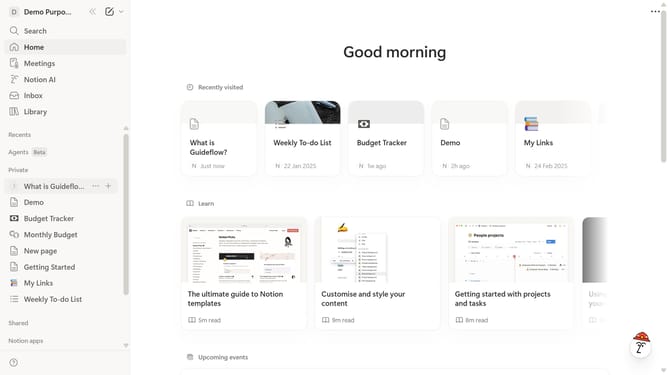
- First click on the workspace selector labeled "Demo" in the top header
- Then click the "..." (more options) button next to the email address in the workspace dropdown menu
- Finally click the "Log out" option in the expanded dropdown menu
Why should you log out of Notion
Notion is a versatile workspace designed to streamline productivity and organization.
Logging out of Notion ensures that your personal and professional data remains secure, especially in shared or public environments.
This feature protects your information by confirming that your session is closed, preventing unauthorized access, which is crucial for maintaining privacy and security.
Ultimately, the ability to log out efficiently contributes to a more secure and stress-free digital workspace experience.
Last update