How to add Microsoft Contacts embed block in Notion
Here is how to add microsoft contacts embed block in notion
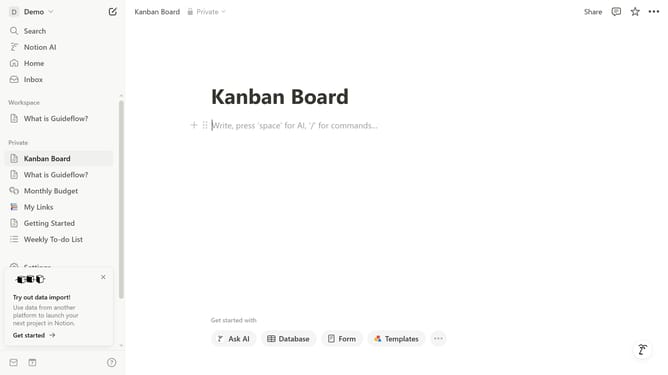
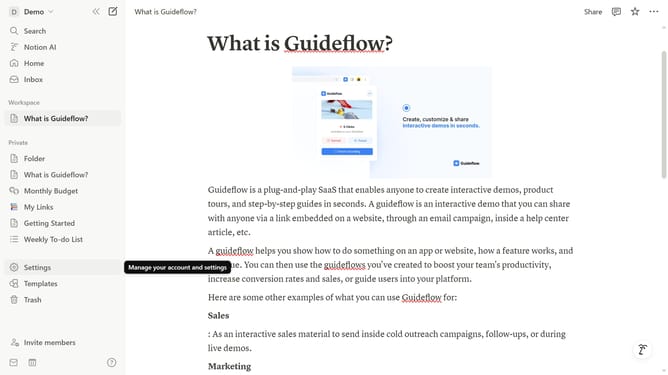
- First open the page where you want to add the Microsoft Contacts embed block
- Then click on the "+" button to add a new block
- Next, type "Microsoft Contacts" into the filter input field in the main view.
- Finally, select "Microsoft Contacts" from the filtered results.
Why should you add Microsoft Contacts embed block in Notion
Notion is a versatile workspace tool designed to foster productivity and streamline workflows.
Embedding Microsoft Contacts within Notion enhances your organizational efficiency by integrating your contact database seamlessly into your workspace.
This feature allows for easy access to and management of important contact information without switching between applications, providing a smoother, more integrated experience.
Ultimately, the integration promotes better connectivity, collaborative efforts, and a unified workspace.
Last update