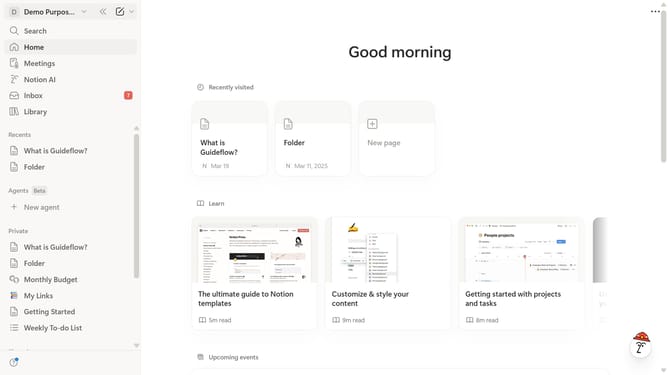
How to add date or reminder block in Notion
Here is how to add date or reminder block in notion
- First, click the page that you want to edit
- Then, click on the '+' icon to add a new element
- Next, select "Dare or reminder" from the dropdown menu
- Finally, select either "Remind me" or "Date today" from the list of options
Why should you add date or reminder block in Notion
Notion seamlessly combines the power of notes, tasks, and wikis in one collaborative space.
Adding a date or reminder block in Notion ensures that important tasks and events never slip through the cracks, promoting efficient time management and productivity.
These features allow users to experience the satisfaction of timely accomplishments and improved organization by keeping both personal and team projects well-coordinated.
With reminders, you can effortlessly turn deadlines into motivating milestones, reinforcing an efficient workflow.
Last update