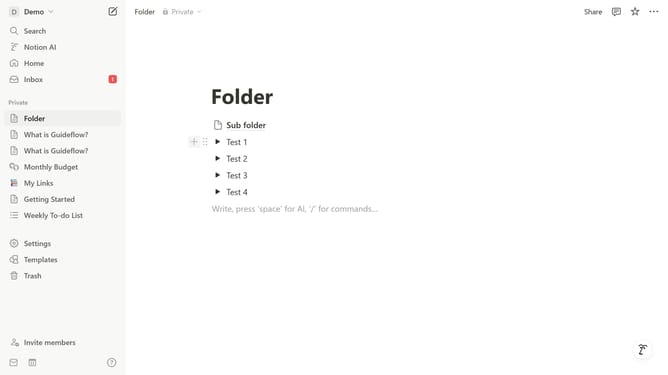
How to add PDF embed block in Notion
Here is how to add pdf embed block in notion
- First click the workspace that you want to edit
- Then click on the "+" button
- Finally select "PDF" from the options
Why should you add PDF embed block in Notion
Notion is a versatile app designed to streamline organization and collaboration for teams and individuals alike.
Adding a PDF embed block in Notion is a feature that enhances the utility and accessibility of your workspace. It allows users to seamlessly integrate and view PDF documents directly within their Notion pages.
This feature is particularly beneficial for maintaining cohesive project documentation, enabling users to access essential files without switching between different apps or tabs.
By embedding PDFs, you can ensure that team members and collaborators have easy, direct access to the information they need, boosting productivity and clarity in your workflows.
Last update