How to integrate Zoom in Notion
Here is how to integrate zoom in notion
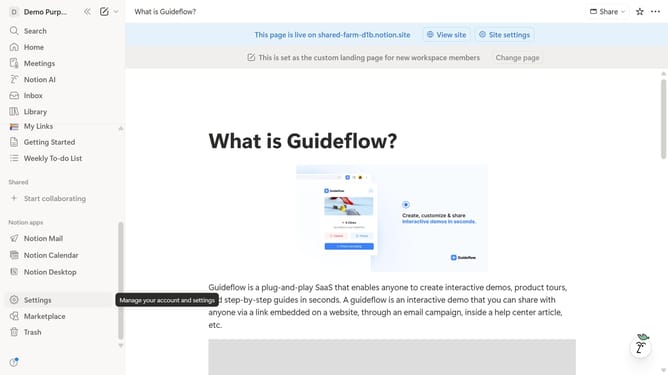
- First click on "Settings" option in the left sidebar
- Then click on "Connections" option in the left sidebar navigation menu under Account section
- Next click on "See all" button to view all available connections
- Then click on "Connect" button for the Zoom integration
- Finally click on "Allow" button to grant permissions for the Zoom connection
Why should you integrate Zoom in Notion
Notion is a versatile tool designed to streamline and simplify your workflow with its all-in-one workspace capabilities.
Integrating Zoom into Notion transforms the way you coordinate and conduct virtual meetings, facilitating seamless collaboration right from your workspace.
This integration allows you to schedule, launch, and manage Zoom meetings without leaving Notion, enhancing productivity and saving valuable time.
By merging these powerful platforms, your team can experience smoother communication, improved efficiency, and a more organized work environment.
Last update