How to add GitLab synced database block in Notion
Here is how to add gitlab synced database block in notion
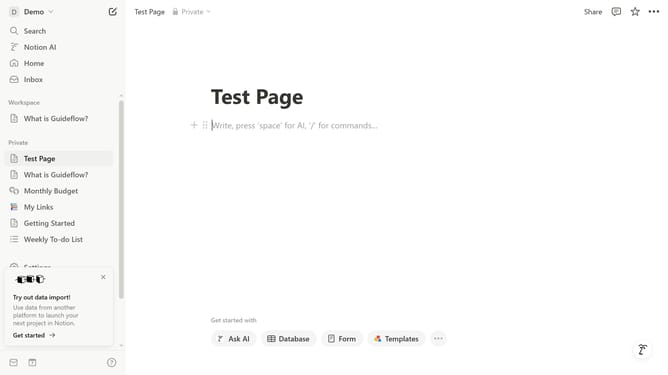
- First open the page where you want to add the GitLab synced database block
- Then click on the "+" button to add a new block
- Next, type "GitLab" into the search bar that appears in the main content area
- Finally, from the filtered results, click on the "GitLab · Synced Databases" option
Why should you add GitLab synced database block in Notion
Notion is a versatile all-in-one workspace designed to streamline productivity and collaboration effortlessly.
Integrating GitLab's synced database block within Notion enhances your workflow by seamlessly bridging vital project data between platforms.
This feature provides real-time visibility and updates on your GitLab projects within Notion, empowering teams to make timely, informed decisions without constantly switching contexts.
Ultimately, it leads to a more cohesive, organized, and efficient workspace, aligning everyone towards common goals.
Last update