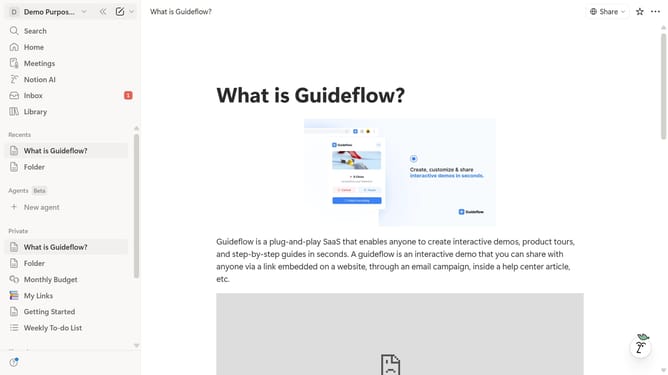
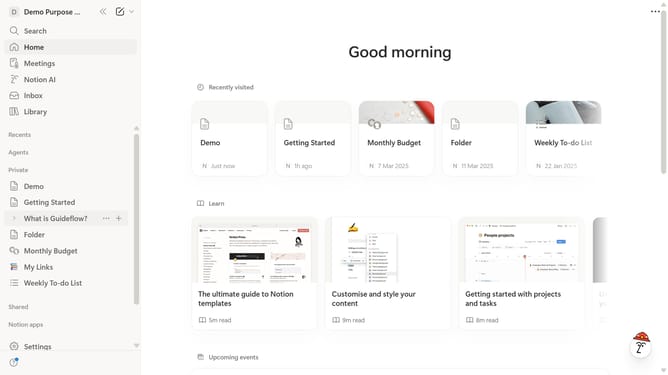
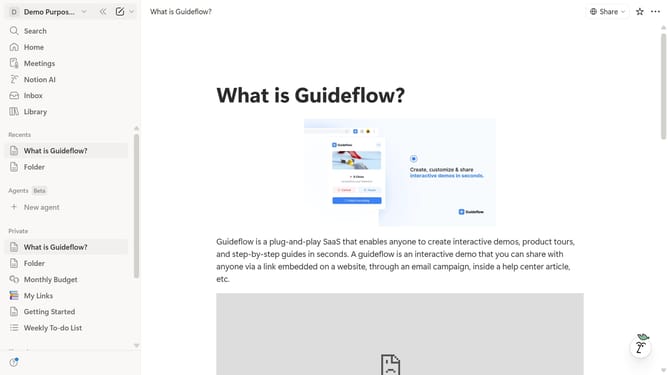
How to enable the new sidebar in Notion
Here is how to enable the new sidebar in notion
- First click on "Settings" option in the sidebar
- Then click on "General" option in the settings menu
- Finally click on the toggle button for "Try the new sidebar" option
Why should you enable the new sidebar in Notion
Notion is a powerful all-in-one digital workspace designed to streamline your personal and professional life.
The new sidebar feature in Notion enhances user experience by offering a more organized view of your documents, projects, and notes. This design improvement brings all your crucial elements into one smoothly navigable location.
Enabling this sidebar can boost productivity by providing quicker access to your essential resources, reducing time spent searching for information, and enhancing focus.
Last update