How to disable profile discoverability in Notion
Here is how to disable profile discoverability in notion
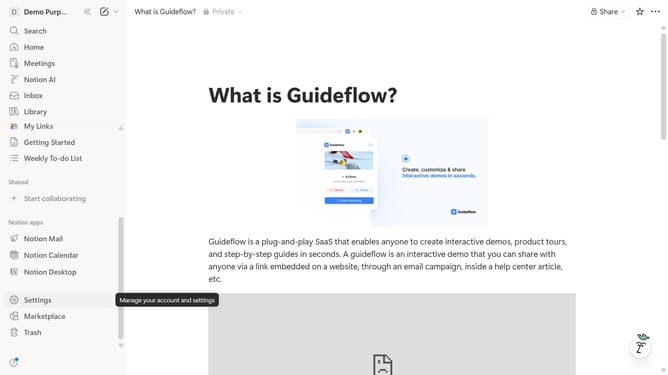
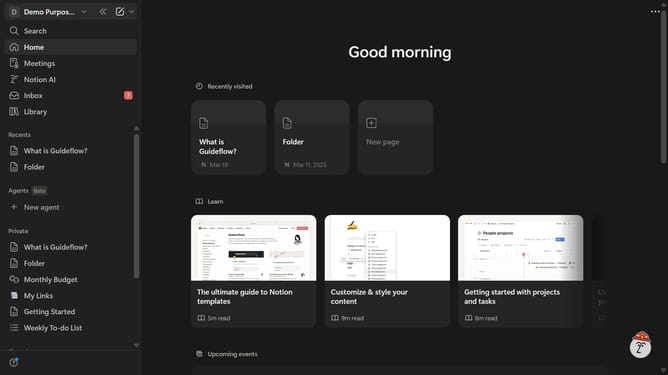
- First click on the workspace switcher icon in the top-left header
- Then click on "Settings" button in the workspace menu dropdown
- Next click on "Preferences" option in the settings sidebar
- Finally disable the "Profile discoverability" toggle switch in the Privacy section
Why should you disable profile discoverability in Notion
Notion is an all-in-one workspace designed to streamline organization and collaboration.
One of its valuable privacy features is the ability to disable profile discoverability.
This feature allows you to maintain control over your personal information, ensuring that only those you choose can find your profile.
Disabling profile discoverability can enhance your privacy, prevent unwanted connections, and help you maintain focus within your collaborative spheres.
Embracing this feature provides a serene and secure digital workspace environment.
Last update