How to customize cookie settings in Notion
Here is how to customize cookie settings in notion
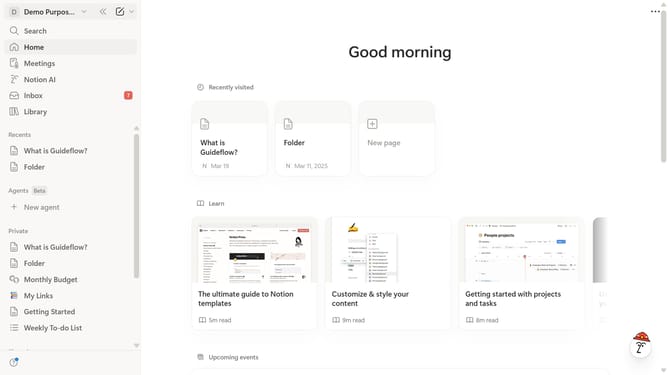
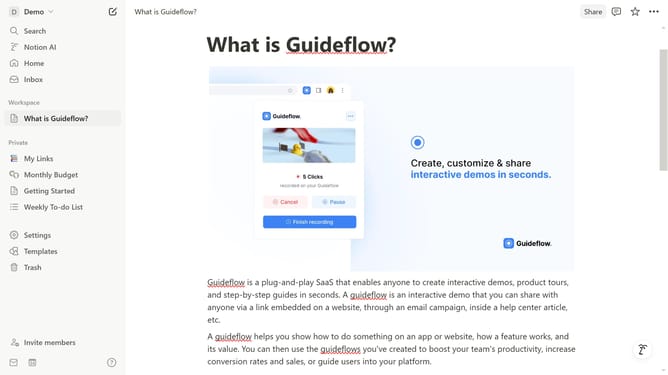
- First click on the workspace menu icon in the top header
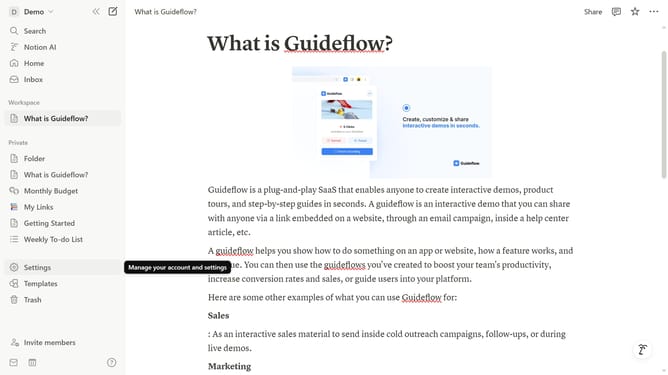
- Then click on "Settings" button in the workspace dropdown menu
- Next click on "Preferences" option in the left sidebar menu
- Then click on "Customize" button under the Cookie settings section
- Finally toggle your preferred cookie settings on or off from the cookie settings dropdown menu
Why should you customize cookie settings in Notion
Notion is a versatile workspace platform designed to streamline your personal and professional organization.
Customizing cookie settings in Notion empowers users to tailor their privacy experience while using the platform. This feature is beneficial for aligning with personal data preferences and helps in managing how information is shared and stored.
By adjusting these settings, users gain control over their online interactions, enhancing their browsing experience with heightened security and personal comfort.
This customized approach adds a layer of trust, enabling users to use Notion confidently in alignment with their privacy needs.
Last update