How to make Notion dark mode
Here is how to make notion dark mode
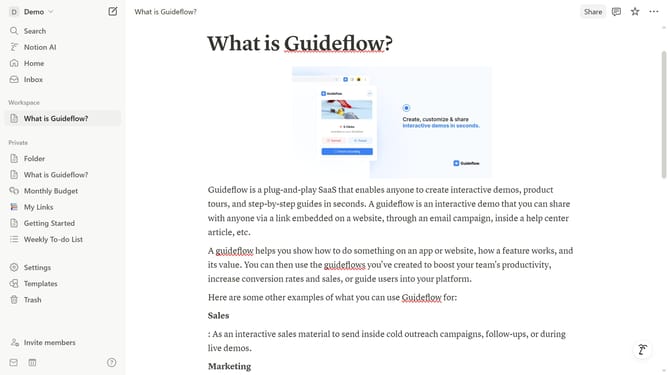
- First click on the "Settings" option in the left sidebar menu
- Then click on the dropdown in the Appearance section of the Settings panel
- Finally select "Dark" mode from the appearance dropdown menu
Why should you make Notion dark mode
Notion is a powerful all-in-one tool designed to streamline organization and collaboration.
Switching Notion to dark mode enhances user experience by reducing eye strain during prolonged use. This sleek feature offers a calming backdrop that makes content stand out.
Users find it particularly beneficial in low-light environments, as it promotes focus and reduces screen glare.
Painless to enable, dark mode in Notion combines functionality with aesthetic appeal, offering a tailored working environment that meets individual preferences.
Last update