How to add Jira Sync synced database block in Notion
Here is how to add jira sync synced database block in notion
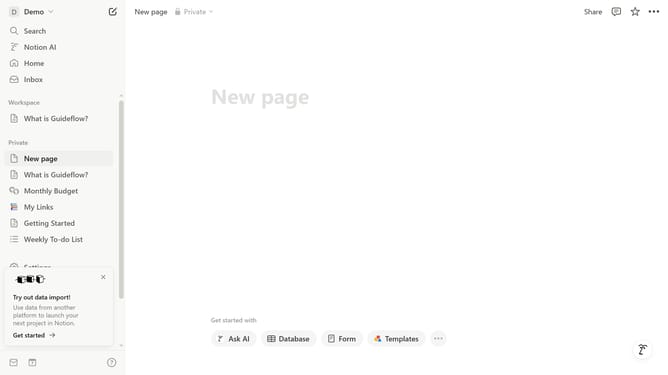
- First open the page where you want to add the Jira Sync synced database block
- Then click on the "+" button to add a new block
- Next, type "Jira" into the search bar that appears in the main content area
- Finally, select "Jira Sync - Synced Databases" from the appeared dropdown menu
Why should you add Jira Sync synced database block in Notion
Notion is a versatile workspace designed to integrate tasks, notes, databases, and collaboration tools seamlessly.
The Jira Sync synced database block in Notion offers an effortless way to connect your Jira projects directly into your Notion workflow. This integration allows you to view and manage Jira issues within the familiar and flexible interface of Notion.
By linking Jira with Notion, team members can effortlessly stay up-to-date on project statuses without switching platforms, increasing productivity and collaboration efficiency.
This connectivity not only saves time but also ensures consistency and accuracy across your project management landscape.
Last update