How to enable workspace activity email notifications in Notion
Here is how to enable workspace activity email notifications in notion
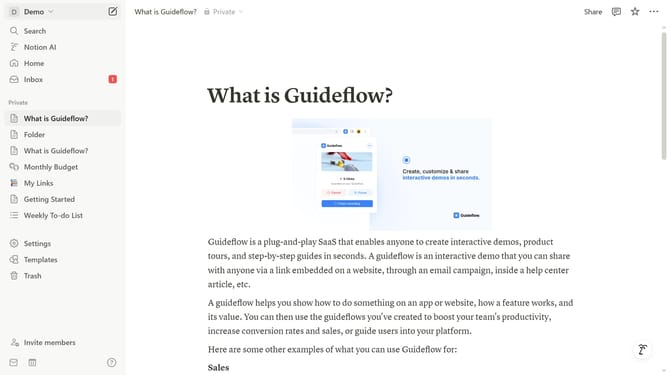
- First click on the "Demo" workspace menu button in the top left sidebar to open the workspace dropdown menu
- Then click on "Settings" button in the workspace menu panel to access workspace settings
- Next click on "Notifications" option in the left settings menu to view notification preferences
- Finally click on the toggle switch for "Activity in my workspace" under Email notifications section to enable email notifications
Why should you enable workspace activity email notifications in Notion
Notion is a versatile workspace platform designed to help you organize and collaborate seamlessly.
Enabling workspace activity email notifications enhances your experience by keeping you informed about important updates without needing to constantly check the app.
This feature is particularly useful for staying in sync with team activities and tasks, ensuring you never miss a critical change or comment.
By automating notifications, you improve productivity and maintain focus on what's most important, streamlining communication effortlessly.
Last update