How to add donut chart database block in Notion
Here is how to add donut chart database block in notion
- First open the page where you want to add the donut chart database.
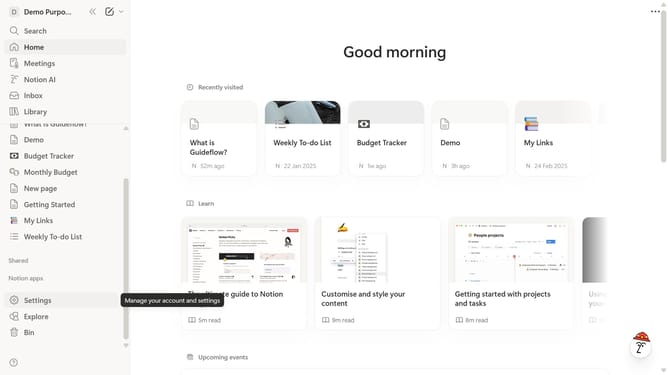
- Then, click on the "+" icon next to "Demo" in the left sidebar.
- Next, in the menu that appears, select "Donut chart".
- Finally choose how to create your database from the available options.
Why should you add donut chart database block in Notion
Notion is a versatile platform designed to streamline your workspace through seamless organization and customization.
Integrating a donut chart database block in Notion enhances data visualization, providing a clear, intuitive visual representation of complex data sets.
This feature empowers users to quickly identify trends and make informed decisions without getting bogged down in numbers.
By turning raw data into easily digestible visuals, you gain valuable insights, improving both productivity and efficiency in your workflow.
Last update