How to add a synced block in Notion
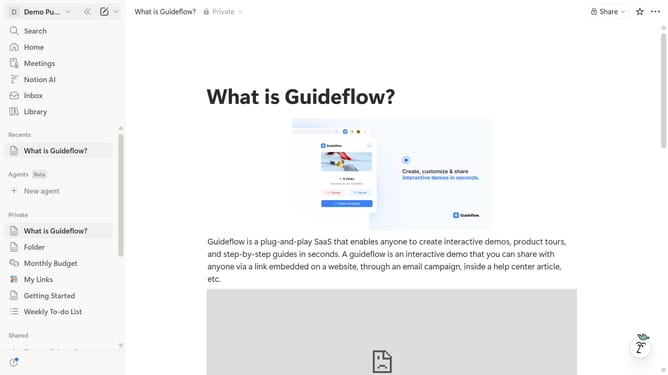
Here is how to add a synced block in notion
- First, in the left sidebar, open the page where you want to add the synced block
- Then, click on the "+" icon to add a new block
- Finally, from the menu that appears, select the "Synced block" option
Why should you add a synced block in Notion
Notion is a versatile productivity tool that seamlessly blends note-taking and task management into one unified workspace.
The addition of synced blocks in Notion is a game-changer for organizing interconnected information across different pages. By employing synced blocks, users can ensure that any update made in one location is automatically reflected in all other linked instances.
This feature is particularly beneficial when maintaining consistency in collaborative projects or when critical data need to be mirrored across multiple sections, promoting efficiency and enhancing clarity.
Last update