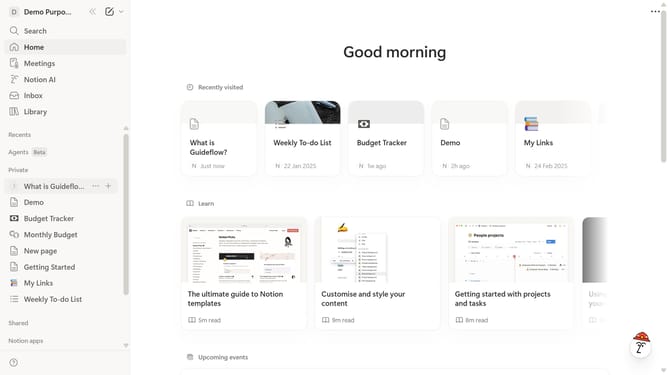
How to add Google Maps embed block in Notion
Here is how to add google maps embed block in notion
- First, click the page that you want to edit in the left sidebar.
- Then click on the "+" button to add a new item.
- Finally, select "Google Maps" from the list of options.
Why should you add Google Maps embed block in Notion
Notion is a versatile workspace that enhances productivity by centralizing notes, tasks, databases, and more.
Integrating Google Maps into your Notion pages is a straightforward way to visually enrich your workspace. This feature allows users to embed interactive maps, providing context and spatial awareness directly within their projects.
This is particularly beneficial for teams and individuals managing location-based projects, offering easy access to geographically relevant information.
Ultimately, embedding Google Maps streamlines collaborative planning and enriches presentations with valuable geographic insights.
Last update