How to add Google Drive embed block in Notion
Here is how to add google drive embed block in notion
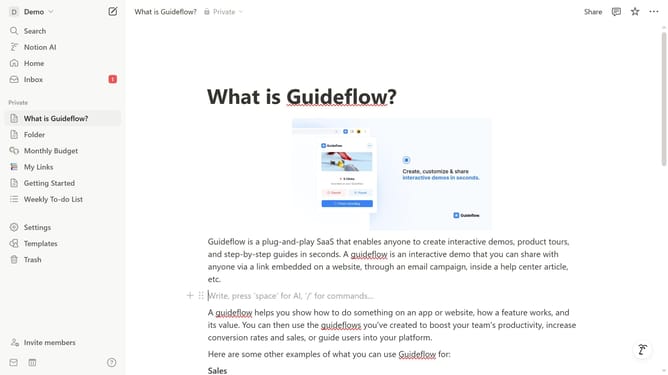
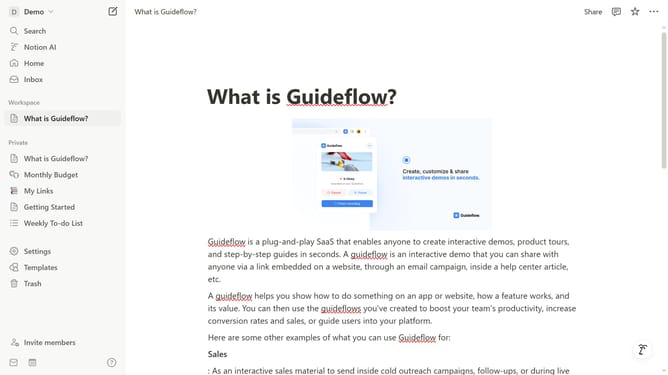
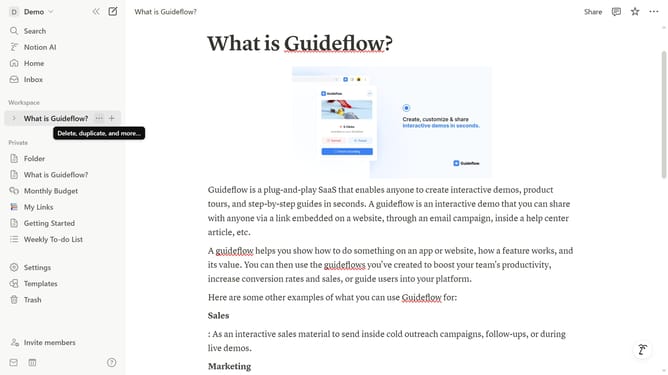
- First open the page where you want to add the Google Drive embed block
- Then click on the "+" icon to add a new block
- Finally select "Google Drive" from the list of embed options
Why should you add Google Drive embed block in Notion
Notion is a versatile tool crafted for seamless organization and productivity enhancement.
By adding a Google Drive embed block in Notion, users can effortlessly integrate their Drive files within the workspace.
This feature bridges Notion's organizational strengths with Google's collaborative prowess, offering a fluid way to consolidate essential documents.
Embedding Google Drive content enhances efficiency, allowing teams to access, review, and collaborate on documents directly within Notion, streamlining workflows and boosting productivity.
Last update