How to add Google Contacts embed block in Notion
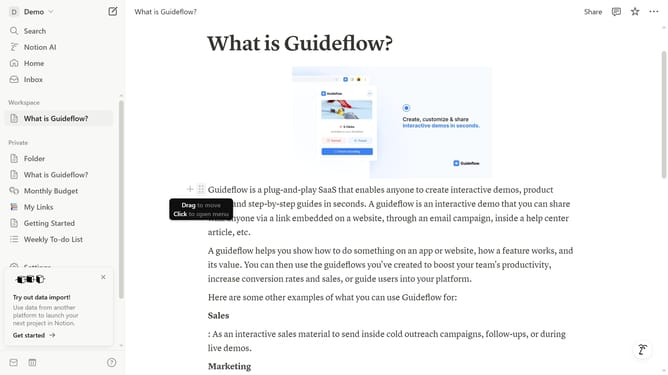
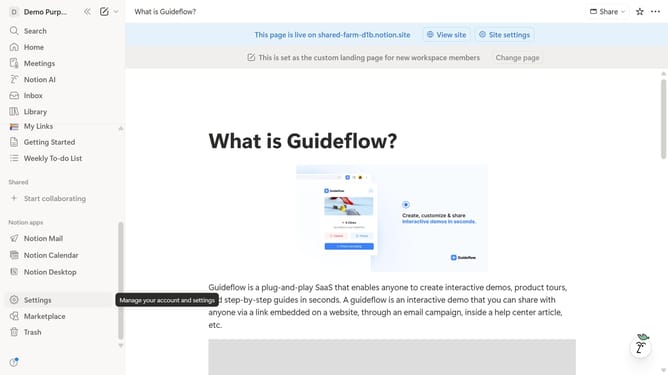
Here is how to add google contacts embed block in notion
- First open the page where you want to add the Google Contacts embed block
- Then, click on the "+" button to add a new block
- Next, type "Google Contacts" into the search bar that appears in the main content area
- Finally, click on "Google Contacts" under the filtered results
Why should you add Google Contacts embed block in Notion
Notion is a versatile tool designed to seamlessly organize your thoughts, projects, and goals.
Integrating a Google Contacts embed block in Notion bridges the gap between your contacts and productivity workflows. This feature adds a layer of convenience and accessibility to your workspace.
By embedding Google Contacts, you can easily reference important contact information without leaving Notion. This optimizes your time and ensures that relevant data is always at your fingertips, streamlining communication and collaboration.
Last update