How to italicize text in a Notion table cell
Here is how to italicize text in a notion table cell
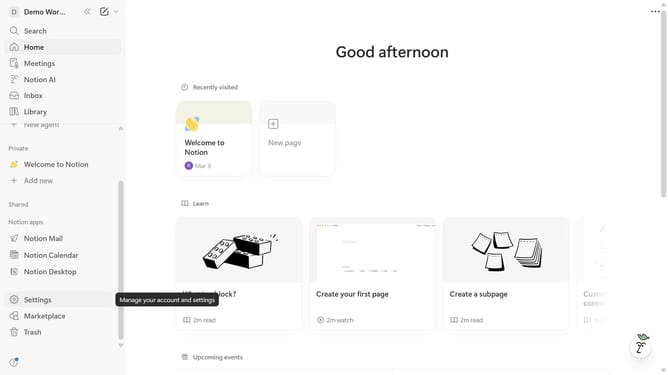
- First navigate to the "Library" section in the left sidebar and click on "Demo".
- Then click on the "Project Name" column header within the "Demo" page.
- Finally click on the "Italicise" button in the formatting toolbar
Why should you italicize text in a Notion table cell
Notion is a versatile productivity tool designed to streamline your projects, notes, and tasks all in one place.
Italicizing text in a Notion table cell brings attention to particular details, enhancing readability and organization.
This feature allows users to emphasize critical information without overwhelming the design of their tables.
By applying italics, your content becomes more engaging, facilitating quick comprehension and aiding in effective communication.
Last update